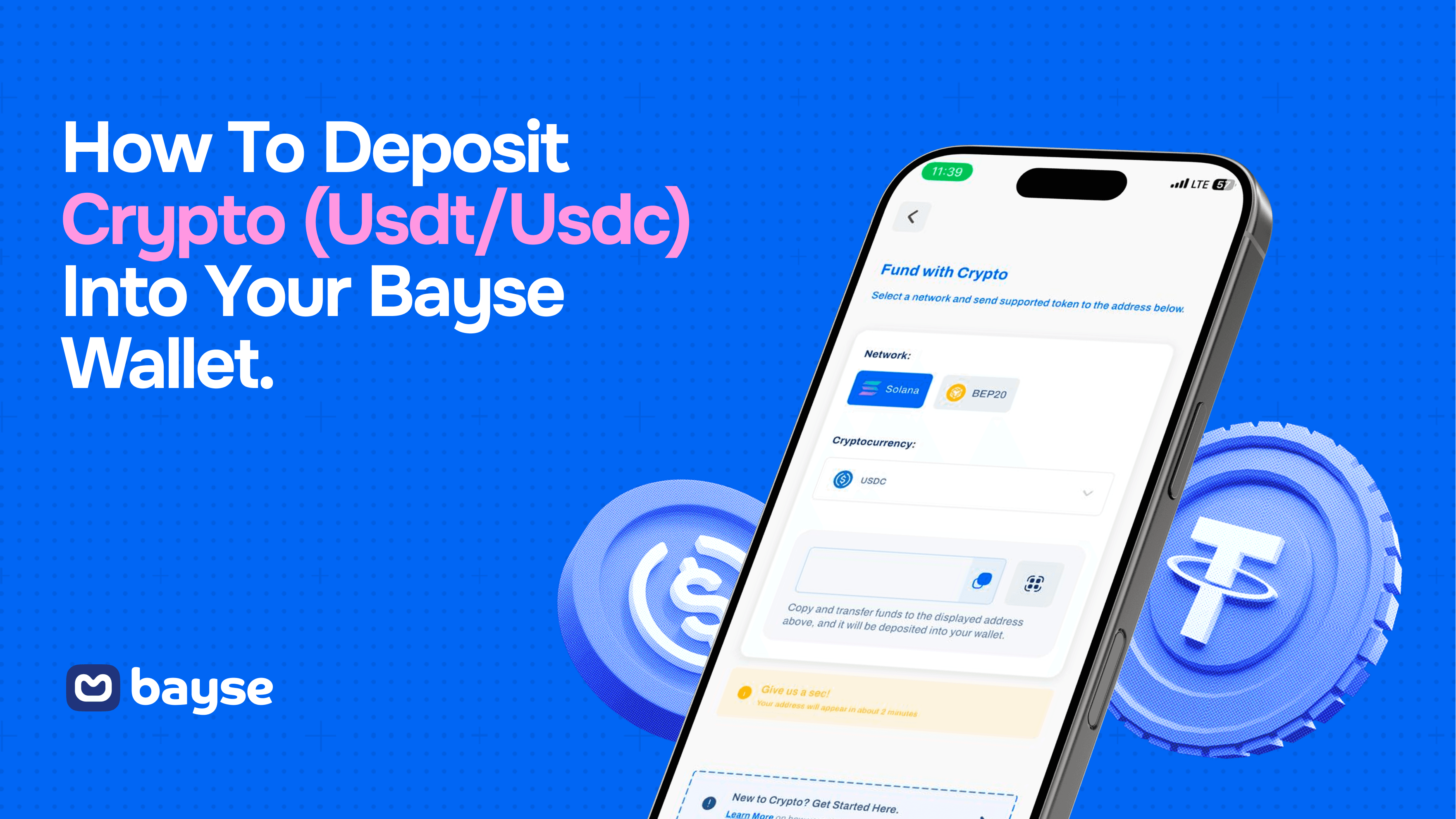
Bayse has two separate wallets: a Naira Wallet for direct naira deposits and a USD Wallet for crypto deposits. This guide explains how to deposit USDT or USDC into the USD Wallet and briefly shows when to use the Naira Wallet instead.
Already have USDT or USDC on Binance, Bybit or another supported platform? Follow the steps below. If you are new to stablecoins, read What Are USDT and USDC A Beginner’s Guide for Traders first.
Key Takeaways
- Use the USD Wallet to deposit USDT or USDC. Use the Naira Wallet for direct naira transfers.
- Bayse supports USDT and USDC deposits through Solana and BEP20. Do not use another token or network.
- The token, network and deposit address must be correct before you send.
- Crypto deposits usually appear after blockchain confirmation, but congestion or platform checks may cause delays.
Naira Wallet or USD Wallet

Choose the wallet that matches how you want to fund your Bayse account.
| Wallet | Deposit method | Accepted funds | Fee | Balance display |
| Naira Wallet | Transfer to the Bayse PalmPay account shown in the app | Naira | 1% deducted from the amount sent | ₦ |
| USD Wallet | On-chain transfer to your Bayse deposit address | USDT or USDC on Solana or BEP20 | Check any sending-platform or network fee before confirming | $ |
If you only want to deposit naira, go to “Depositing Into the Naira Wallet” below. The main steps in this guide cover crypto deposits into the USD Wallet.
Before You Start
For a crypto deposit, you need USDT or USDC in a wallet or exchange that supports Solana or BEP20 withdrawals. Binance and Bybit are common options, but you can use another supported platform.
Before sending, check the minimum deposit shown in the Bayse app and the withdrawal fee shown by your sending platform. Fees and limits can change, so the figures displayed when you confirm the transfer are the ones that apply.
Bayse does not accept Bitcoin, Ether, BNB or another cryptocurrency through this deposit flow. It also does not accept USDT or USDC sent through an unsupported network. An incorrect token, address or network may prevent the deposit from reaching your balance, and recovery may not be possible.
Step 1 Choose the USD Wallet
Open the Bayse app and tap the plus sign on your dashboard. You can also tap More in the bottom menu and open the wallet section. Select USD Wallet to continue with a crypto deposit. When the USD Wallet is enabled, your balance is displayed in dollars.
Step 2 Choose the Token and Network
Tap Deposit, then select USDT or USDC. Choose one of the networks supported by Bayse: Solana or BEP20.
The network selected in Bayse must be the same network selected on the platform sending the funds. For example, if you choose Solana in Bayse, choose Solana when withdrawing from Binance or Bybit. Do not choose TRC20, ERC20 or another network unless Bayse shows it as supported in the app.
Step 3 Copy Your Bayse Deposit Address

Bayse will generate a deposit address for the token and network you selected. Copy the complete address, or scan the QR code if the sending platform supports it.
Compare the first and last characters of the address after pasting it. Never share your password, private key, recovery phrase or verification code. A receiving address can be shared for the purpose of receiving funds, but you should only use the address generated inside your own Bayse account.
Step 4 Send From Your Exchange or Wallet
Option A Send From Binance
Open Binance and tap Send or Withdraw. Select USDT or USDC, paste the Bayse deposit address, and choose the same network you selected in Bayse. Enter the amount, review the network fee and details, then confirm the withdrawal.
Button names may change when Binance updates its app. For its current withdrawal instructions, see Binance’s guide to withdrawing crypto.
Option B Send From Bybit
Open Bybit, go to your Funding wallet and select Withdraw. Choose USDT or USDC, paste the Bayse address, and select the same network used in Bayse. Enter the amount, review the fee and details, then confirm.
For Bybit’s current instructions, see How to Submit an On Chain Withdrawal Request.
Option C Send From Another Platform
You can send from another exchange or personal wallet if it supports USDT or USDC withdrawals through Solana or BEP20 in your country. The process is the same: choose the token, paste your Bayse address, match the network and confirm the transfer.
Before You Send
- Confirm that the token is USDT or USDC.
- Confirm that the network is Solana or BEP20 and matches the network selected in Bayse.
- Check the first and last characters of the Bayse deposit address.
- Check the minimum deposit shown in Bayse and the withdrawal fee shown by the sending platform.
- Make sure the amount you receive after fees still meets any minimum requirement.
- If you are unsure or sending a large amount, consider sending a small test transfer first.
Step 5 Confirm Your Deposit
After the sending platform processes the withdrawal, the blockchain must confirm the transaction. Your Bayse balance should update automatically once the required confirmations are complete. Many deposits arrive within minutes, but network congestion or additional checks can cause delays.
Open the transaction details on the sending platform and save the transaction ID, also called a transaction hash or TxID. You can use it to check the transfer on the relevant blockchain explorer or share it with Bayse support if you need help.
Depositing Into the Naira Wallet
If you prefer to fund your account without crypto, select Naira Wallet after tapping the plus sign on your Bayse dashboard. Follow the in-app instructions and transfer naira to the Bayse PalmPay account displayed within the stated payment window.
A 1% fee is deducted from the amount sent. For example, a ₦10,000 transfer credits ₦9,900 to the Naira Wallet. There is no blockchain network or crypto address to select. Confirm the current fee, account details and payment window in the app before transferring.
Can I Withdraw Crypto From Bayse

Yes. Open your USD Wallet and tap Withdraw. Select USDT or USDC, choose Solana or BEP20, enter the destination address and review the details before confirming. The destination platform must support the token and network you select. Withdrawal fees and limits may apply, so check the information displayed in the app.
If Your Deposit Has Not Arrived
The transaction is still pending
Check the withdrawal status on the sending platform. Network congestion, platform processing or security checks can delay a transaction. Wait until the platform provides a transaction ID and the blockchain shows the transaction as confirmed.
The blockchain says completed but Bayse has not credited it
Confirm that you used the correct token, network and Bayse address. Then contact the Bayse Help Center and provide the transaction ID, token, network, amount, sending platform, time sent and a screenshot of the completed withdrawal.
You selected the wrong address or network
Contact Bayse support and the sending platform immediately. Do not send another transaction until the issue has been reviewed. Recovery is not guaranteed and may be impossible, even when the blockchain marks the transaction as completed.
For help, visit the Bayse Help Center.
Frequently Asked Questions
What is the difference between the Naira Wallet and the USD Wallet
The Naira Wallet accepts direct naira transfers to the Bayse PalmPay account shown in the app and displays the balance in naira. The USD Wallet accepts USDT or USDC through Solana or BEP20 and displays the balance in dollars.
Which cryptocurrencies can I deposit into Bayse
You can deposit USDT or USDC into the USD Wallet using Solana or BEP20. Do not send Bitcoin, Ether, BNB or another token through this deposit flow.
Should I use Solana or BEP20
Use either network supported by both Bayse and your sending platform. The network selected on both sides must match. Compare the withdrawal fee, availability and estimated processing time shown before you confirm.
How long does a Bayse crypto deposit take
A deposit usually appears after the blockchain completes the required confirmations.
Can I deposit from a personal crypto wallet
Yes, if the wallet supports USDT or USDC through Solana or BEP20. Select the same token and network in both wallets and verify the Bayse address before sending.
Where can I find my transaction ID
Open the completed withdrawal or transaction details on Binance, Bybit or your sending wallet. Look for Transaction ID, Transaction Hash or TxID.
What if the exchange says completed but my Bayse balance has not updated
Check the transaction on the relevant blockchain explorer. If it is confirmed and the token, network and address are correct, contact Bayse support with the transaction ID and transfer details.
Can I withdraw crypto from Bayse to an exchange
Yes. Use Withdraw in the USD Wallet, choose USDT or USDC, select a supported network and enter the destination address. Make sure the receiving exchange supports that exact token and network.
Prefer to pay in naira? Choose the Naira Wallet and transfer to the PalmPay account shown in the app. New to stablecoins? Read What Are USDT and USDC A Beginner’s Guide for Traders.
