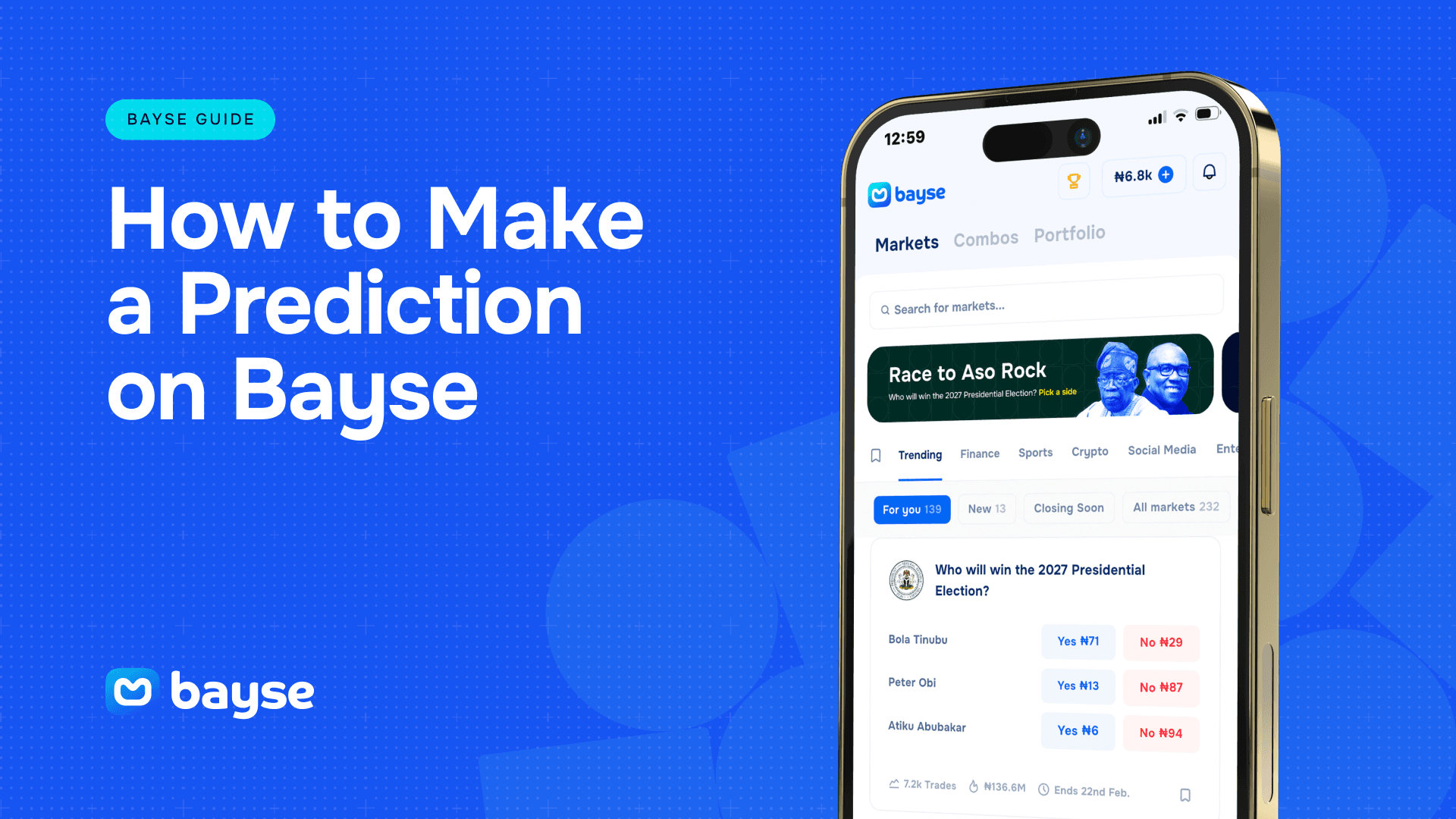
Once you understand the basics of how a prediction market works, the next step is putting that into practice. Making a prediction on Bayse is a quick process, but knowing exactly what each screen and setting means makes the difference between trading with confidence and second-guessing yourself. This guide walks through how to make a prediction on Bayse from start to finish, including how to choose a market, enter an order, and manage your position afterward.
Before You Start
You’ll need to download the Bayse app on App or Play store. Set up your account, make sure it funded. You can trade with as low as 100 naira or $1, crypto is also an available option to fund with.
Step 1: Find a Market Worth Trading
Bayse organizes markets into categories, sports, politics, entertainment, and more, so start by browsing the category that matches your interest, or use search if you already know the specific event you’re looking for. Each market page shows the current question, the live price for each outcome, and a chart of how that price has moved over time.
Look for markets where you have a genuine view, whether that comes from following a league closely, tracking the news, or simply having a strong read on a cultural moment. A prediction is only worth making when you believe the current price doesn’t fully reflect what you know.
Step 2: Choose Your Outcome
Every Bayse market has at least two sides, typically “Yes” and “No,” each with its own price. Tap the outcome you believe is more likely than the current price suggests. If a market is asking whether a team will win and “Yes” is trading at 40 kobo, but you think the true probability is closer to 60%, that’s a signal the “Yes” side may be undervalued.
Take a moment here to read the market’s resolution details, which explain exactly what source and criteria will be used to determine the outcome. This avoids any surprises later.
Step 3: Enter Your Trade
Once you’ve selected a side, you’ll be prompted to enter how much you want to put into the trade. Bayse will show you:
- The number of shares your amount buys at the current price
- What each share is worth if the outcome resolves in your favor
- The total potential return if you’re right
This is the point to double-check the amount before confirming. Start small if you’re new to a particular market or category, you can always add to a position later if your conviction grows.
Step 4: Confirm the Prediction
Review the summary screen, which lays out the market, your chosen outcome, your stake, and your potential payout. Once you confirm, your trade is placed and the shares appear in your portfolio. The market price will typically shift slightly in response to your trade, reflecting the new balance of demand between outcomes.
Step 5: Track and Manage Your Position
After you’ve made a prediction, you don’t have to simply wait for the event to conclude. Your position lives in your portfolio, where you can watch the price move in real time as new information comes in, whether that’s a lineup announcement, a poll update, or breaking news relevant to the market.
You have two paths from here:
Hold until resolution. If you’re confident in your original view, you can leave the position open until the event happens and the market settles. If you’re right, your shares pay out at full value; if not, they expire worthless.
Sell before resolution. If the price moves in your favor before the event concludes, you can sell your shares and lock in the outcome rather than waiting. This is one of the features that separates a prediction market from a traditional wager, you’re not locked in until the final whistle or the final result.
Why the Order Screen Matters
The confirmation screen is worth slowing down for, especially on your first few trades. It’s the one moment where you can catch a mistaken tap, a category you didn’t mean to open, or an amount that’s larger than you intended. Bayse shows your potential payout alongside your stake specifically so you can sanity-check the trade before it’s placed, not after. Getting into the habit of reading that screen every time, even once you’re familiar with the flow, is one of the simplest ways to avoid an avoidable error.
A Few Tips for First-Time Traders
Read the resolution criteria closely. Markets are only as good as their clarity, and Bayse writes out exactly how and when each market will be settled.
Watch the price, not just the outcome. A market moving sharply in one direction often tells you something the raw headlines don’t.
Size your trades to your conviction. You don’t need to commit heavily to every market you find interesting. Smaller trades on more markets can be just as effective a way to build experience as one large position.
Revisit markets before they close. Prices can shift meaningfully as an event approaches and more information becomes public, so it’s worth checking back rather than only trading once and forgetting about it.
Frequently Asked Questions
Can I change my mind after making a prediction? Yes. You can sell your shares at any point before the market resolves, which lets you exit a position if your view changes or if the price has moved in your favor.
Is there a minimum amount required to make a prediction? Markets typically have a low minimum trade size, making it easy to start small while you get comfortable with how a market moves.
What happens after the event I predicted on is over? Once the outcome is confirmed against the market’s stated resolution source, the market settles automatically. Winning shares pay out, and the funds appear in your account.
Can I make more than one prediction on the same market? Yes. You can add to an existing position at the current price, or take a position on the opposite outcome if your view changes.
Where do I see all the predictions I’ve made? Your portfolio shows every open and settled position, along with the current price and potential payout for anything still active.