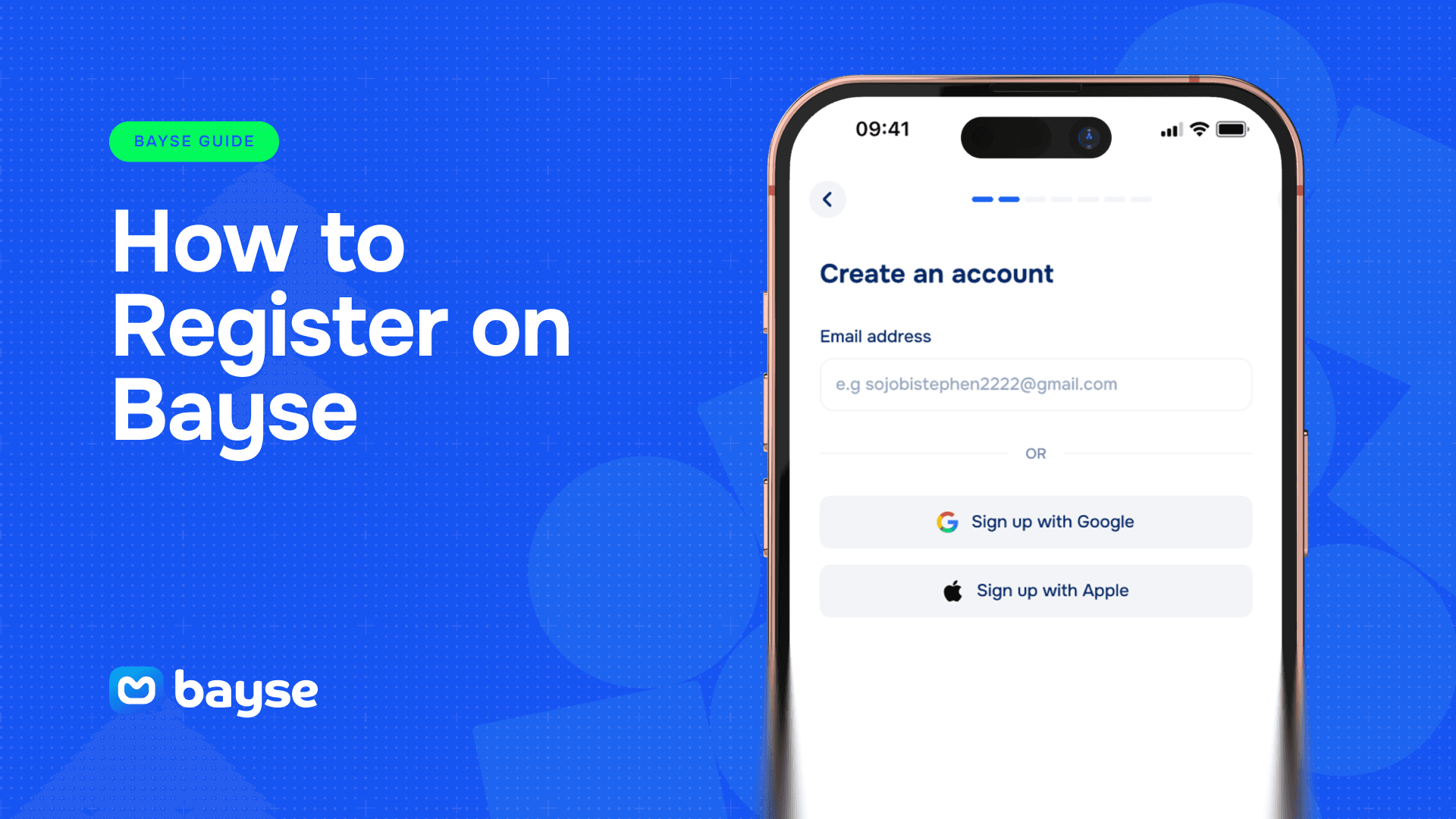
Getting started on Bayse takes just a few minutes. This guide walks through how to register on Bayse step by step, what information you’ll need, and what to expect once your account is live, so you can go from sign-up to your first prediction with no confusion along the way.
What You’ll Need Before You Start
Registration is straightforward, and you don’t need much to get going:
- A valid email address or phone number
- A password you’ll use to secure your account
- A device with internet access, whether that’s the Bayse app or the website
You don’t need to complete identity verification to create your account or to start trading. Verification only becomes relevant later, specifically when you want to withdraw funds, which we cover in our guide on how to withdraw from Bayse.
Step 1: Start the Sign-Up Process
Head to the Bayse website or open the app and select “Sign Up.” You’ll be asked to enter your email address or phone number, whichever you’d prefer to use as your primary login method going forward.
Step 2: Create Your Password
Choose a password that’s strong and unique to Bayse rather than reused from another account. A good password combines letters, numbers, and a symbol, and avoids anything tied to easily guessable personal details like your name or date of birth.
Step 3: Confirm Your Account
Depending on whether you signed up with email or phone, Bayse will send a one-time code to confirm it’s really you. Enter that code when prompted to activate your account. This step exists purely to confirm you own the email or number you registered with, it’s not the same as identity verification.
Step 4: Set Up Your Profile
Once your account is confirmed, you’ll be prompted to fill in a few basic profile details. This helps personalize your experience on the platform and ensures notifications, such as price alerts or market updates, reach you correctly.
Step 5: You’re Ready to Trade
At this point, your account is fully set up. There’s no waiting period and no additional approval needed before you can browse markets and make your first prediction. The only thing standing between you and your first trade is funding your account, which our guide on how to fund your Bayse account walks through.
Registering from Nigeria
Bayse is built with Nigerian users in mind, and the sign-up process reflects that. You can register with a Nigerian phone number, and the funding options available to you are chosen to fit local payment methods, so there’s no need to route through international cards or unfamiliar currencies just to get started.
Common Sign-Up Issues and How to Fix Them
I didn’t receive my confirmation code. Double-check the email or number you entered is correct, and check spam or promotions folders if using email. If it still doesn’t arrive after a few minutes, you can request a new code.
I want to switch from phone to email, or vice versa. You can typically add a secondary contact method to your account once you’re registered, so you’re not locked into a single login method forever.
I forgot my password before I even logged in the first time. If this happens, use the “Forgot Password” option on the login screen, which sends a reset link or code to your registered email or phone.
What Happens After You Register
Once your account is active, take a moment to explore the platform before funding it. Browsing the different market categories, sports, politics, entertainment, and more, gives you a sense of what’s available and helps you find markets that match your interests before you commit any funds. Our guide on the types of prediction markets on Bayse is a useful next stop if you want a fuller picture before diving in.
Why Registration Stays Light
Some platforms front-load identity checks before you can do anything at all, which can feel like a lot of friction just to look around. Bayse takes a different approach: registration is kept deliberately light so you can explore the platform, browse markets, and even start trading with minimal setup. The more involved verification step is saved for withdrawal, where it actually matters most, confirming that money leaving the platform is going to the right person. This means the effort you put in upfront is proportional to what you’re actually doing at each stage, rather than asking for everything on day one.
Keeping Your New Account Secure
Once you’re registered, a few habits go a long way toward keeping your account safe. Avoid reusing a password from another service, since a breach elsewhere could otherwise expose your Bayse account too. If Bayse offers a two-factor login option, turning it on adds a meaningful extra layer of protection with very little added friction. And if you ever log in from a shared or public device, make sure to log out fully rather than simply closing the tab or app.
If You Ever Need Help
Registration is designed to be simple enough that most users never run into trouble, but if something doesn’t go as expected, Bayse’s support team is available to help resolve sign-up issues quickly, whether that’s a code that isn’t arriving or a question about which contact method to use. Reaching out early rather than repeatedly retrying the same step is usually the fastest way to get sorted.
Frequently Asked Questions
Do I need to verify my identity to register on Bayse? No. You can create an account and start trading without completing identity verification. Verification is only required when you want to withdraw funds.
Can I register with just a phone number? Yes. Bayse supports registration with either an email address or a Nigerian phone number, whichever is more convenient for you.
Is there a cost to create a Bayse account? No, registration is free. You only need funds in your account once you’re ready to make a prediction.
How long does registration take? Most users complete the full sign-up process, from entering an email or phone number to confirming their account, in under five minutes.
Can I have more than one Bayse account? No, each user is expected to maintain a single account tied to their own details.